
Mobile Phones for Elderly UK
Buying a mobile phone for elderly parents, grandparents or relatives means balancing two things that don’t always pull in the same direction: keeping things genuinely simple to use, and making sure the phone still does everything that matters for safety and staying in touch. At iExpert Market, every phone for elderly users in our range is professionally tested, battery-checked and unlocked, ready to use straight out of the box from just £69, with a full 12-month warranty behind it.
Whether you’re looking for a simple, big-button phone for elderly relatives who just want calls and texts, or an easy-to-use smartphone with larger text and accessibility features built in, every device has already been through full diagnostic testing – so you’re not handing over a phone that’s going to cause frustration, or worse, let someone down in an emergency.
Browse our live range of mobile phones for elderly users now, or keep reading for a full breakdown of what actually matters when choosing a phone for elderly users, the accessibility features worth knowing about, and how to set a new phone up so it’s genuinely easy to use from day one. Prefer to compare more broadly first? Take a look at our cheap mobile phone deals, our best budget smartphones guide, or our old phones range.
Sort by:
Sort

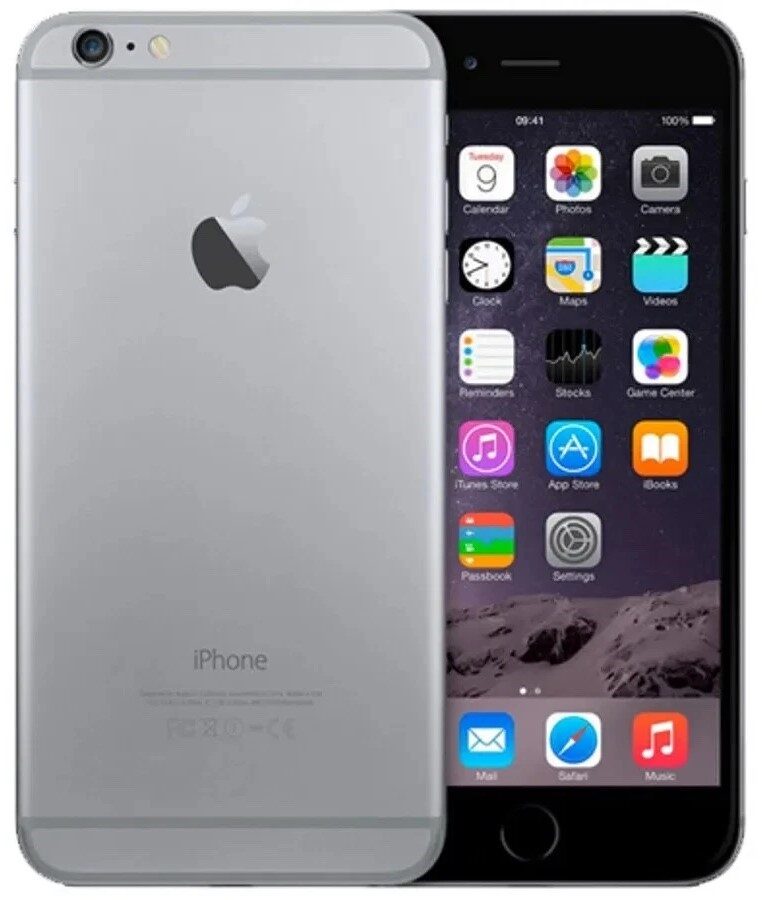

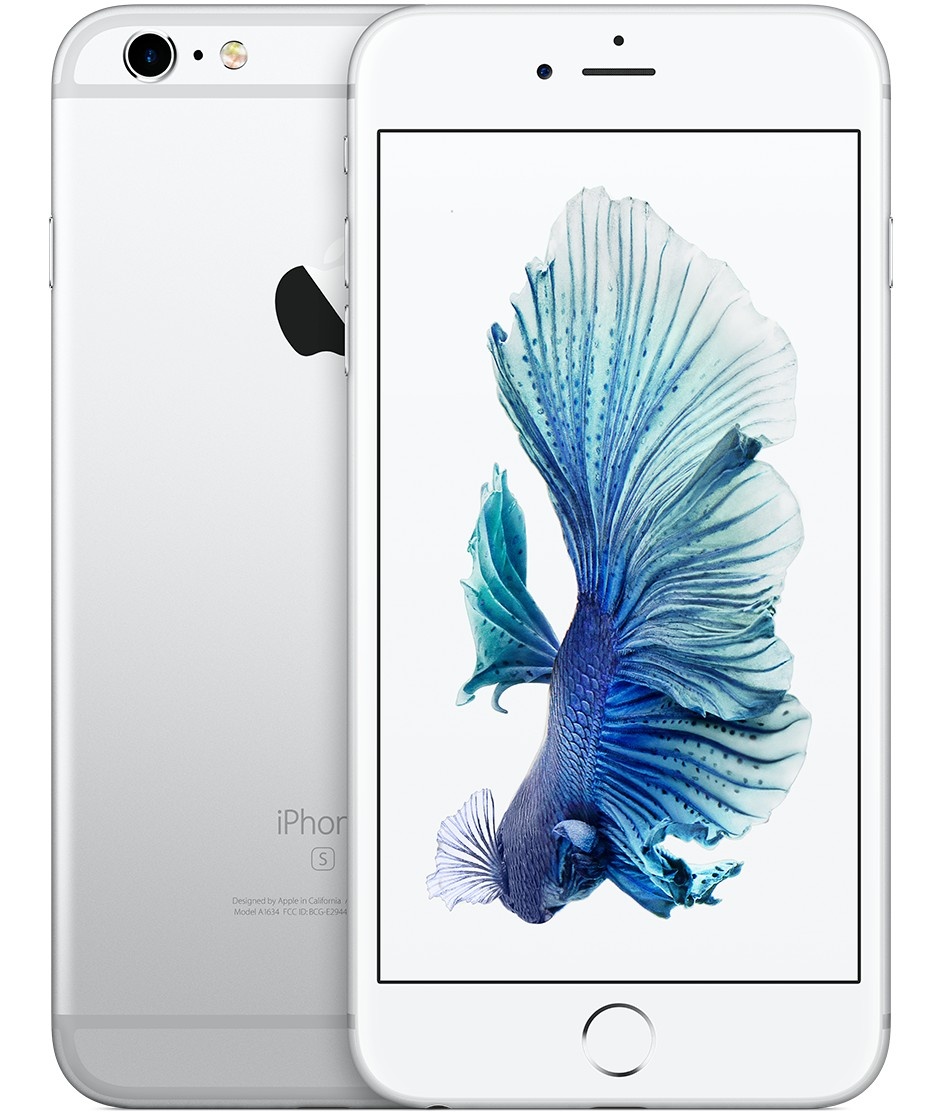


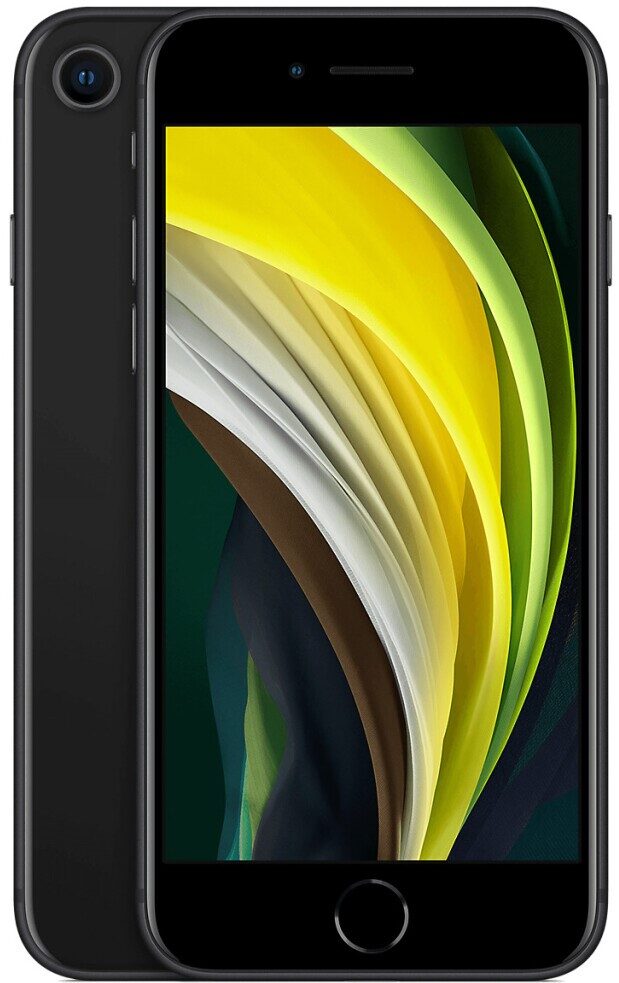


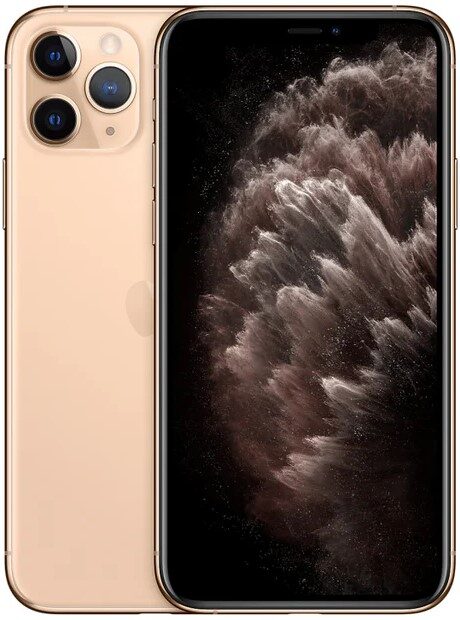


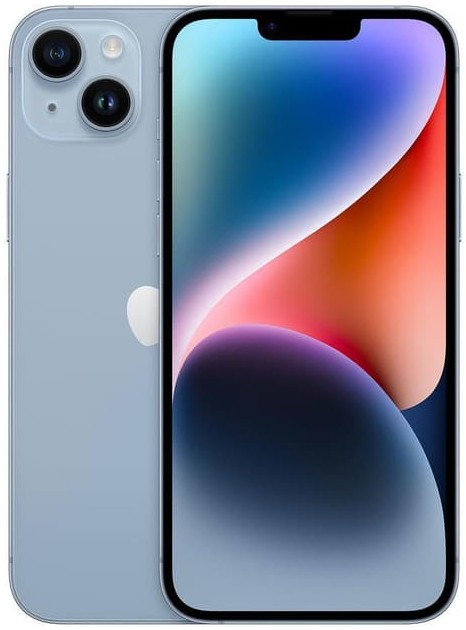


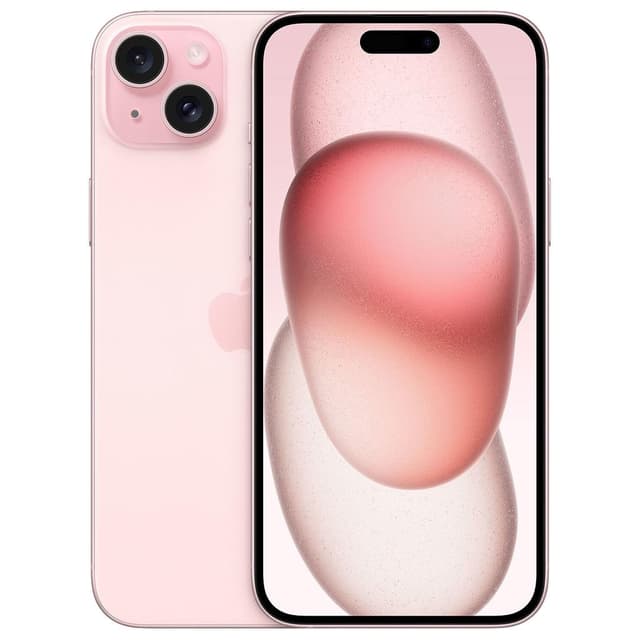

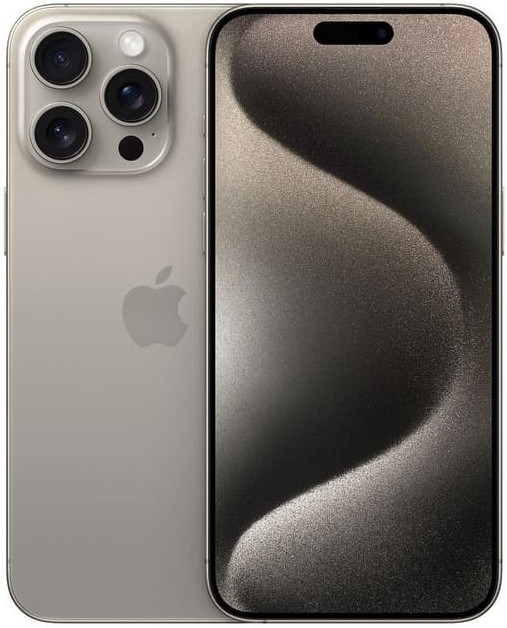


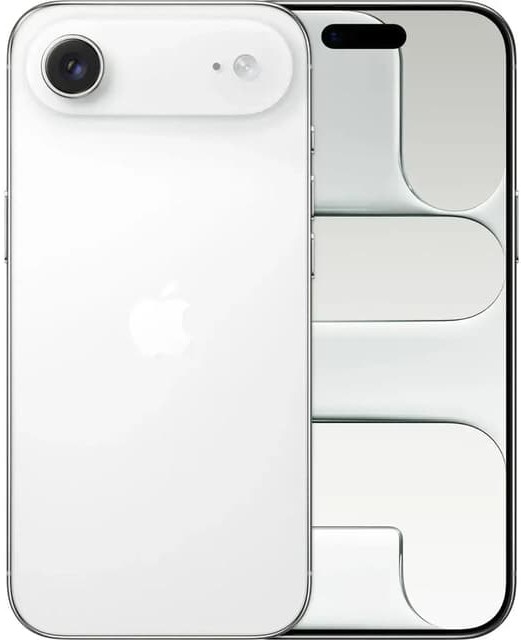


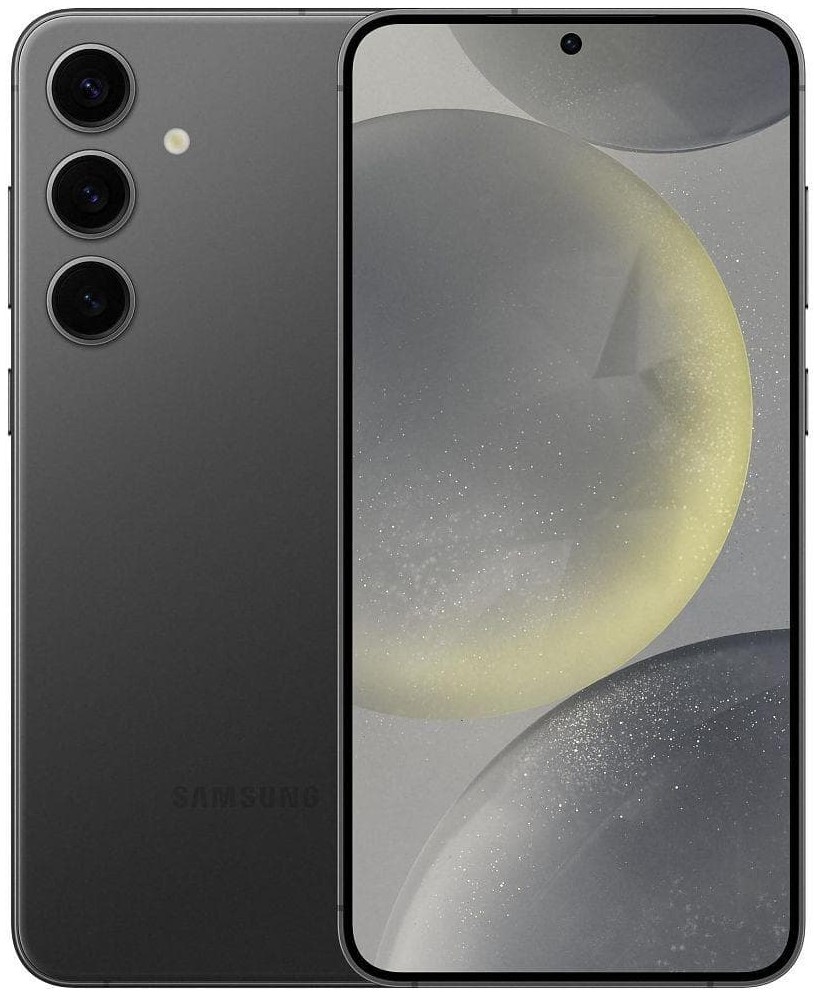

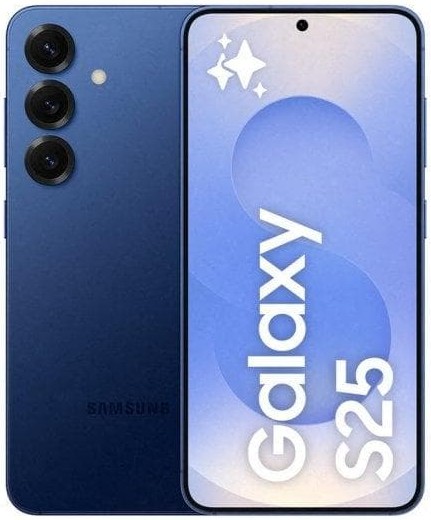


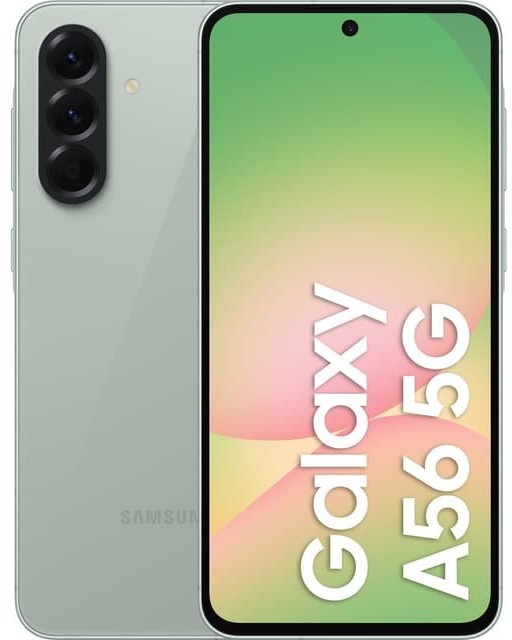

Free UK Delivery

12 months warranty

Good for the Planet, Great for You

Tested Refurbished
What to Look for in a Mobile Phone for an Elderly Relative
Choosing the right mobile phone for elderly parents, grandparents or relatives usually comes down to a handful of things that matter far more than raw specifications or the newest features. Before comparing individual models, it’s worth being clear about what actually makes a phone genuinely easy to live with day to day.
The most important factors are a clear, readable display with adjustable text size, straightforward navigation that doesn’t bury basic functions behind menus, strong speaker volume and hearing aid compatibility, reliable battery life that doesn’t demand daily charging discipline, and – increasingly important – genuine emergency features like SOS calling and location sharing. A phone that ticks these boxes will get used confidently every day; one that doesn’t, however capable it is on paper, tends to end up sitting unused in a drawer.
Simple Phones vs Smartphones for Elderly Users: Which Is Right?
This is usually the first real decision to make, and there’s no single right answer – it depends entirely on the person the phone is for.
A simple mobile phone for elderly users – sometimes still called a basic or feature phone – focuses purely on calls and texts, with large physical buttons, a straightforward menu, and none of the complexity of apps or touchscreens. For someone who’s never used a smartphone and has no interest in starting now, or who has dexterity or vision challenges that make a touchscreen genuinely difficult, this remains a completely valid choice.
An easy-to-use smartphone, on the other hand, opens up video calling with grandchildren, photos, messaging apps, and – critically – built-in accessibility features that a basic phone simply can’t offer, such as adjustable text size, voice control and magnification. Many elderly users who assume they want a “simple” phone actually get on better with a smartphone set up properly with a simplified home screen, since modern accessibility tools are specifically designed to make touchscreens easier, not harder, to use.
Easy-to-Use Smartphones: Accessibility Features That Actually Help
If a smartphone is the right choice, it’s worth knowing which built-in accessibility features genuinely make a difference, since both major operating systems now include tools specifically designed for exactly this situation.
Display and text size. Both iPhone and Android allow text size and display zoom to be increased system-wide, not just within individual apps, making everything from messages to menus considerably easier to read without needing reading glasses for every interaction.
Voice control and dictation. Built-in voice assistants and dictation tools let messages be sent by speaking rather than typing, which removes one of the biggest barriers to smartphone use for anyone who finds a touchscreen keyboard fiddly.
Simplified home screens. Both platforms support larger icons and simplified layouts that surface only the apps someone actually uses – phone, messages, camera – rather than a full grid of unfamiliar icons.
Magnifier and screen reader tools. Built-in magnification and screen-reading features (VoiceOver on iPhone, TalkBack on Android) provide meaningful support for users with more significant vision impairment, going well beyond simply making text bigger.
Screen Size, Text Size and Display Clarity
A larger screen isn’t just about watching videos comfortably – for many elderly users it’s the single biggest factor in whether a phone feels usable at all. A bigger display means larger buttons, more readable text without constant zooming, and simply less strain during everyday use.
That said, bigger isn’t automatically better: a phone that’s too large can become physically harder to hold securely or operate one-handed, which matters if grip strength or dexterity is a factor. The sweet spot for most elderly users tends to be a display in the 6-6.5 inch range – large enough to read comfortably, without becoming unwieldy to hold.
Big-Button Phones: Do They Still Make Sense in 2026?
Dedicated big-button mobile phones for elderly users – with physical, tactile keys and minimal menus – remain a genuinely sensible option for some people, and it’s worth being honest about who they suit best.
They make the most sense for anyone who has never used a touchscreen and has no real desire to start, anyone with visual impairment who relies on tactile feedback rather than a flat glass surface, or anyone who simply wants a phone that does calls and texts and nothing else, with no risk of accidentally triggering something unfamiliar. The trade-off is losing access to video calling, photos, and the accessibility tools built into modern smartphones – a fair exchange for some users, a real loss for others.
Emergency Features: SOS, Location Sharing and Peace of Mind
For many families, this is genuinely the deciding factor when choosing a mobile phone for an elderly parent or relative, and it’s worth understanding what’s actually available.
Modern smartphones include built-in emergency calling features – typically triggered by pressing a side or power button in a specific pattern – that can call emergency services and, depending on settings, automatically alert chosen contacts with the phone’s location. Location sharing, set up once with a trusted family member, means you can check in and see that a phone (and its owner) is where it should be, without needing to phone and ask every time. These features work quietly in the background and don’t need to be actively used to provide genuine reassurance.
Battery Life and Easy Charging
Battery anxiety is a real and common issue for elderly phone users – either forgetting to charge overnight, or being unsure how much charge is left. A phone with strong all-day battery life removes a lot of this stress, since it’s far more forgiving of an irregular charging routine than a phone that needs topping up every few hours.
Every phone we sell has its battery health tested and clearly disclosed before listing, so you know exactly what kind of daily stamina to expect rather than guessing. Simple wireless charging docks, where supported, can also make charging considerably easier than fiddling with a small cable and port – genuinely worth considering as an accessory alongside the phone itself.
Hearing Aid Compatibility and Call Volume
Clear, loud calls matter enormously, and this is an area where checking before buying pays off. Look specifically for hearing aid compatibility (often listed as HAC or an M/T rating) if the phone is for someone who wears hearing aids, since this affects how cleanly the phone’s audio pairs with the aid itself rather than just how loud the speaker goes. Beyond hearing aid pairing, adjustable call volume and a strong, clear earpiece speaker make a genuine day-to-day difference that’s easy to overlook when comparing specs on paper.
Why a Tested, Refurbished Phone Makes Sense for an Elderly Relative
Buying refurbished rather than brand new makes particularly good sense in this specific category, for reasons that go beyond price alone. Every phone we sell has passed a full diagnostic test covering the screen, battery, speaker, microphone and buttons, so you’re not gambling on unfamiliar hardware for someone who’ll rely on it daily and may not think to report a fault straight away. Buying an older, more familiar model – rather than the newest release with an unfamiliar interface – can also make the learning curve considerably gentler, since many elderly users do best sticking with a phone that resembles one they’ve used before.
Every phone is unlocked, fully tested, and backed by a genuine 12-month warranty, so if something does go wrong, it’s covered without a difficult conversation about who’s responsible.
Setting Up a Phone for an Elderly Relative: Practical Tips
A little setup time before handing a phone over makes an enormous difference to how confidently it gets used from day one.
Pre-save important contacts with clear names and, ideally, photos so they’re recognisable at a glance. Increase text size and display zoom in advance rather than leaving it as a task for later. Set up emergency SOS and location sharing together, while you’re already there to explain how it works. Remove or hide apps that aren’t going to be used, to reduce visual clutter on the home screen. And consider a simple screen lock – or none at all, if security risk is low and remembering a passcode is likely to cause more problems than it solves.
Choosing the Right Network and SIM Plan for Light Users
Many elderly users make relatively light use of data and minutes, which makes a flexible SIM-free phone paired with a low-cost SIM-only plan a genuinely sensible combination, rather than being tied into an expensive bundled contract designed around heavy data use. Every phone we sell is unlocked and SIM-free from day one, so you’re completely free to choose whichever network and plan actually matches how it’ll be used.
How Much Does a Mobile Phone for the Elderly Cost?
Pricing varies considerably depending on whether you choose a basic big-button handset or a full smartphone, and by model, storage and condition grade within each category. As a general guide, simple phones sit at the most affordable end of the market, while easy-to-use smartphones with full accessibility features cost more but open up considerably more functionality. Rather than quoting fixed figures here that can quickly go out of date, every product listing on our site shows its own live, up-to-date price – always worth checking there for the most accurate current deal. Our cheap phone range is a good starting point if budget is the primary consideration.
Warranty and Support: Why It Matters More Here
A genuine warranty matters on any phone purchase, but it matters especially when buying for someone who may not immediately notice or know how to describe a developing fault. Every phone we sell includes a full 12-month warranty as standard, alongside a genuine 30-day returns window, so if something isn’t right, it’s covered without a complicated process. You can read the full terms on our warranty policy page, and more about who we are on our about us page.
Buying a Phone as a Gift for an Elderly Parent or Relative
If you’re buying on someone else’s behalf rather than for yourself, it’s worth involving them in the decision where possible, even in a small way – showing a couple of options and asking which feels more comfortable to hold, for instance. A phone chosen entirely without input, however sensible it seems on paper, is far more likely to go unused than one the recipient had some say in. Flexible payment options, including pay monthly instalments via Clearpay or Klarna, can also make a more capable phone accessible without a large upfront cost.
Red Flags to Avoid When Buying a Phone for an Elderly Relative
The same general buying cautions apply here as with any second hand or refurbished phone, but they’re worth repeating specifically in this context, since an elderly buyer or their family may be less familiar with what to check.
No battery health disclosed. A vague description tells you nothing – insist on a specific percentage, stated clearly, as every listing on our site provides.
No warranty offered. A phone without a warranty leaves you with no recourse if a fault develops, which is a particular risk for a device that’ll be used daily by someone who may not report problems immediately.
Pressure to buy the newest, most expensive model. The newest smartphone isn’t automatically the right choice – a well-chosen older or simpler model, properly tested, is very often the better fit.
Browse Our Full Range of Mobile Phones for Elderly Users
Explore our tested range above, or browse our wider phones for sale hub, our cheap smartphones range, or our second hand iPhones if an easy-to-use iPhone with strong accessibility features is the right fit.
Simple Phone vs Smartphone for Elderly Users: At a Glance
| Consideration | Simple/Big-Button Phone | Easy-to-Use Smartphone |
|---|---|---|
| Learning curve | Minimal – calls and texts only | Gentle, with accessibility features to help |
| Video calling with family | Not available | Yes – WhatsApp, FaceTime and similar |
| Emergency SOS & location sharing | Varies by model, often basic SOS only | Full SOS, location sharing, fall alerts on some models |
| Text size & display adjustment | Limited | Fully adjustable system-wide |
| Battery life | Typically several days | Typically one to two days |
| Best suited to | Calls and texts only, no interest in apps | Staying connected via photos, video and messaging apps |
Neither option is objectively “better” – the table above is really a starting point for a conversation about which trade-offs matter most for the specific person the phone is for.
Apps and Features That Help Elderly Users Stay Connected
For anyone choosing a smartphone, a handful of apps and features make a disproportionate difference to daily life, well beyond what comes to mind when picturing a typical smartphone user.
Video calling. WhatsApp, FaceTime or similar apps let grandchildren and family be seen and heard, not just spoken to – consistently one of the most valued features among elderly smartphone users once they’re comfortable with it.
Photo sharing. Shared photo albums mean family photos arrive automatically without needing to be requested or transferred manually, keeping an elderly relative genuinely included in family life.
Reminder and calendar apps. Simple, built-in reminder tools can help with medication times, appointments and daily routines – genuinely practical rather than just a novelty.
Voice assistants. Asking a phone to make a call, send a message or check the weather removes the need to navigate a touchscreen for routine tasks, particularly useful for anyone with limited dexterity.
Elderly Users and Online Safety: Avoiding Scams and Unwanted Calls
This is worth addressing directly, since elderly phone users are disproportionately targeted by scam calls and messages, and a little proactive setup goes a long way toward reducing the risk.
Both major operating systems include built-in spam and scam call filtering that can be switched on during setup, silencing or clearly flagging calls from unknown or suspicious numbers before they’re even answered. It’s worth having a plain conversation early on about never sharing bank details, passwords or one-time codes over the phone, regardless of how convincing or official a caller sounds – genuine banks and government departments will never ask for these over an unsolicited call. Saving family members’ numbers with clear names, so a familiar name always appears on incoming calls, also makes it considerably easier to tell a genuine call from an unknown one at a glance.
Popular Choices: What Families Typically Look For
Rather than recommending specific models that change in and out of stock, it’s more useful to describe the three categories most families end up choosing between.
Compact and simple. A smaller, straightforward smartphone or big-button handset for anyone who wants the absolute minimum learning curve, prioritising ease over features.
Accessible mid-range smartphone. The most popular choice for most families – a proper smartphone with a comfortably sized display, strong battery life and full accessibility features, capable of video calling and photos without being overwhelming.
Larger-screen, easy-read. For anyone who specifically struggles with small text or icons, a larger-display smartphone set up with maximum text size and a simplified home screen, prioritising readability above all else.
Every current option across all three categories is available, tested and graded in our live range – browse by screen size and price using the filters above to narrow things down to what suits best.
iPhone or Android: Which Is Easier for an Elderly Relative to Learn?
This is a genuinely common question, and the honest answer is that both platforms now offer strong accessibility support, so the better choice usually comes down to what family members already use rather than any inherent simplicity gap between the two.
If most of the family already uses iPhone, choosing one for an elderly relative means video calling, photo sharing and troubleshooting all happen within one consistent, familiar ecosystem – genuinely useful when a grandchild is talking someone through a setting over the phone. The same logic applies in reverse for a family that’s predominantly Android. Where there’s no existing family preference either way, Android generally offers a slightly wider range of larger-screen, budget-friendly options, while iPhone tends to have a marginally gentler, more consistent interface across generations of hardware – though the gap has narrowed considerably in recent years.
How We Test Every Phone We Sell
Every phone in our range, whether it’s a straightforward feature phone or a full smartphone, passes the same full diagnostic process before it’s ever listed: screen and touch response, battery health, speaker and microphone clarity, charging port, physical buttons, and network connectivity are all checked and confirmed working. For smartphones specifically, we also confirm the device is fully signed out of any previous owner’s account and unlocked to any UK network. Nothing is listed on the strength of a description alone – every claim reflects a test that’s actually been carried out, which matters enormously when the person relying on the phone may not be well placed to spot or report a fault themselves.
Should You Consider a Tablet Instead Of, or Alongside, a Phone?
For some elderly users, a tablet ends up getting used more than the phone itself, particularly for video calling, reading and photos, simply because the larger screen and lighter typing demands make it more comfortable for longer stretches of use. A tablet isn’t generally a full replacement for a phone – it can’t make regular calls or be carried in a pocket for emergencies – but pairing a simple phone with a larger tablet at home is a genuinely popular combination for exactly this reason. Our full range of tablets is worth browsing if this two-device approach suits the person you’re buying for better than a single do-everything smartphone.
FAQs About Mobile Phones for Elderly Users
Focus on a clear, readable display with adjustable text size, straightforward navigation, strong speaker volume, reliable battery life and genuine emergency features like SOS calling and location sharing – these matter far more day to day than the newest specifications.
It depends on the person. A simple big-button phone suits anyone who wants calls and texts only with no interest in apps, while an easy-to-use smartphone opens up video calling, photos and built-in accessibility tools for anyone willing to learn a little more.
Yes – both iPhone and Android include adjustable text size and display zoom, voice control and dictation, simplified home screens with larger icons, and dedicated magnifier and screen reader tools for more significant vision impairment.
Emergency SOS is a built-in smartphone feature, usually triggered by pressing a side or power button in a set pattern, that can call emergency services and alert chosen contacts with the phone’s location. Availability varies by model, so it’s worth checking before buying if this feature is a priority.
Both iPhone and Android let you increase text size and display zoom system-wide from the settings menu, affecting messages, menus and most apps at once rather than needing to be adjusted individually within each app.
Yes, provided they’re properly tested. Every phone we sell passes a full diagnostic check covering the screen, battery, speakers and buttons before listing, and is backed by a genuine 12-month warranty, so you’re not gambling on unfamiliar hardware for daily use.
Hearing aid compatibility varies by model and is often listed as a HAC or M/T rating. It’s worth checking this specifically, alongside adjustable call volume, if the phone is for someone who wears hearing aids.
Battery life varies by phone type – simple feature phones often last several days between charges, while smartphones typically need charging every one to two days. Every phone we sell has its battery health tested and disclosed clearly before listing.
Yes – both iPhone and Android support location sharing with a trusted family member, set up once in a few minutes, letting you check a phone’s location without needing to call and ask every time.
Turn on built-in spam and scam call filtering during setup, save family members’ numbers with clear names so genuine calls are easy to recognise, and have a plain conversation about never sharing bank details or one-time codes over the phone.
Both platforms offer strong accessibility support, so it usually comes down to what the rest of the family already uses – choosing the same platform makes troubleshooting and video calling considerably easier for everyone involved.
Every phone we sell includes a full 12-month warranty as standard, alongside a genuine 30-day returns window, regardless of price or condition grade.
Yes – every phone in our range can be paid for outright or spread across smaller instalments using Clearpay or Klarna at checkout, with no lengthy contract and no full credit check required for short-term options.
Pre-save important contacts with clear names, increase text size in advance, set up Emergency SOS and location sharing together, remove apps that won’t be used, and consider a simple or no screen lock if security risk is low.