
Apple MacBook Air Notebooks
The MacBook Air is Apple’s lightest, most portable notebook – built for everyday computing, study and remote work in a fanless, silent design that goes almost anywhere without weighing you down. It runs the same macOS as every other Mac, integrates with an iPhone or iPad, and delivers all-day battery life from a slim, quiet notebook that never needs a fan to stay cool. At iExpert Market, every MacBook Air notebook generation is available as professionally refurbished stock – fully tested, clearly graded, and backed by a 12-month warranty.
Browse live stock in our MacBook Air Refurbished category, or see the full MacBook range if you want to compare against the MacBook Pro first.
Sort by:
Sort
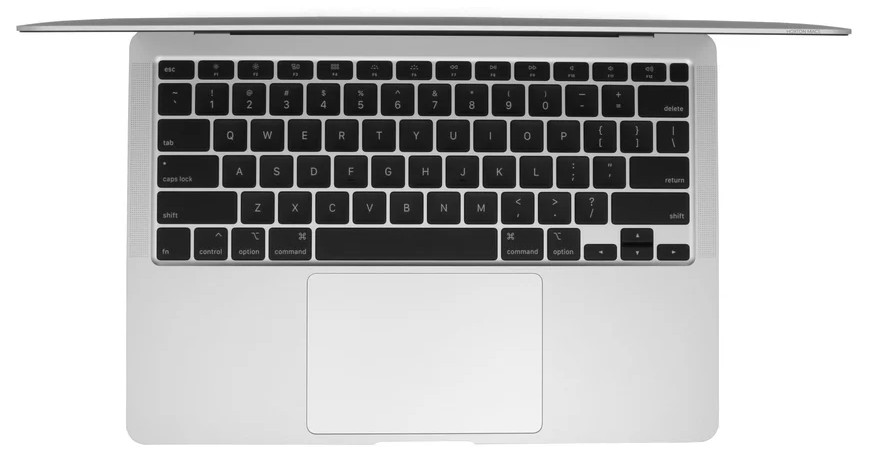
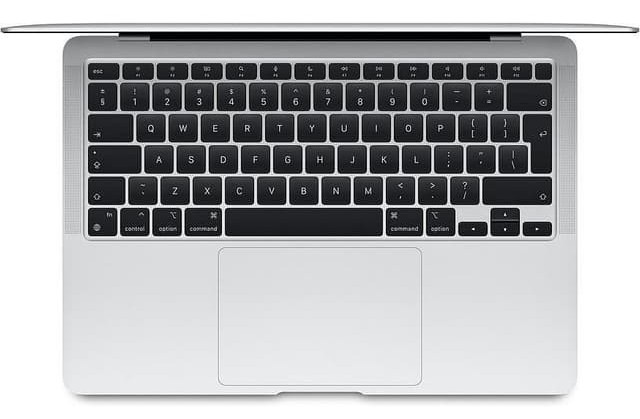


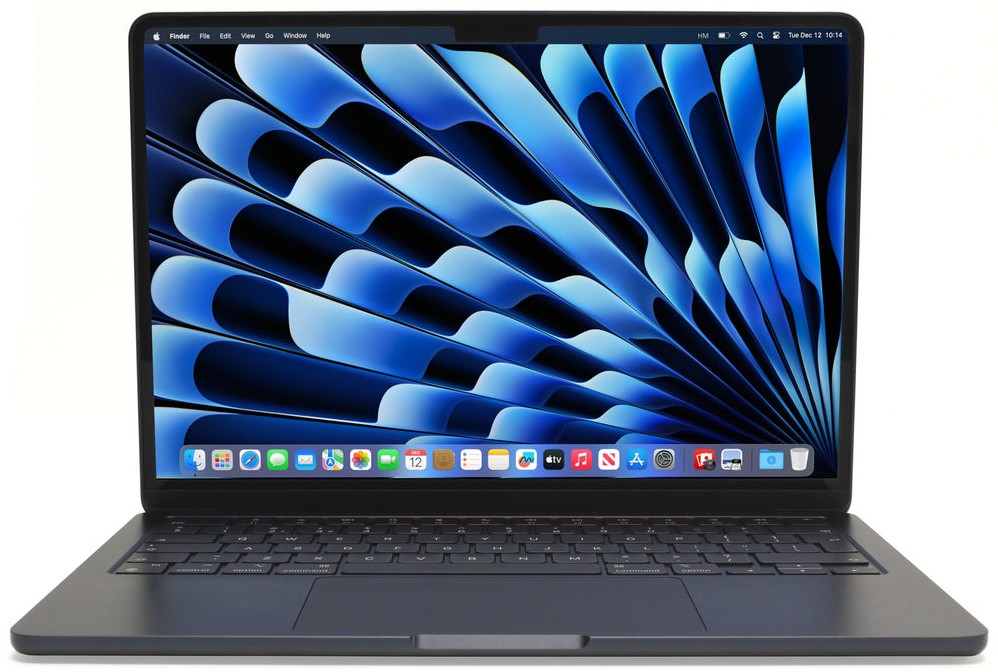

Free UK Delivery

12 months warranty

Good for the Planet, Great for You

Tested Refurbished
What Is the Apple MacBook Air Notebook?
The MacBook Air is Apple’s lightest notebook, designed around one simple idea: full Mac capability shouldn’t come with extra weight, fan noise or a shrinking battery indicator by lunchtime. It’s the notebook most people actually need, even if it isn’t the one with the biggest spec sheet. Every MacBook Air we sell has been reset, function-tested and graded before it reaches you.
Where the MacBook Pro is deliberately over-specified for demanding, sustained work, the Air is deliberately under-specified for it, and that’s the point rather than a compromise. Most people don’t render video timelines or compile software for a living; they browse, write, message and stream, and the Air does all of that without ever needing a fan to keep it cool. Buying one refurbished simply removes the new-price premium while keeping that same everyday experience intact.
Is the MacBook Air Right for You?
There’s no shame in not needing the most powerful notebook Apple makes, and plenty of buyers who assume they need a MacBook Pro end up perfectly happy with an Air once they’re honest about what they actually do with a notebook day to day.
The Air is built for a specific kind of user, and it’s worth checking you’re that user before you buy. It’s the right notebook if you mostly:
- Browse, email, message and stream video
- Take notes, write essays or reports, and manage spreadsheets
- Join video calls and collaborate on shared documents
- Carry a notebook between home, campus, office or coffee shop most days
- Want a full working day of battery without hunting for a plug socket
If your work regularly involves video editing, 3D rendering or software builds that take real time to complete, the MacBook Pro notebook will handle that sustained load far better.
MacBook Air Generations at a Glance
iExpert Market stocks refurbished MacBook Air units spanning Intel and every Apple Silicon generation to date. Prices fall as generations get older, so the right choice usually comes down to how much of the newest chip’s extra headroom you’ll genuinely notice in everyday use. Here’s what actually changed at each step.
Intel MacBook Air (2019)
The last Intel-based Air, and the most budget-friendly way into the range. Fine for light browsing and typing, but noticeably shorter battery life and warmer running than any Apple Silicon model. See current 2019 MacBook Air stock.
M1 MacBook Air (2020)
The generation that changed everything for the Air line: Apple Silicon delivered a dramatic battery-life jump and true silent operation in the same familiar wedge-shaped body. It remains a genuinely capable everyday notebook years later, and for buyers focused purely on browsing, writing and streaming, it’s often the best value entry point into Apple Silicon we stock. Browse M1 MacBook Air availability.
M2 MacBook Air (2022–2023)
A full redesign that flattened the wedge into a uniform slim body, brought MagSafe charging back, and added a larger optional screen. For many buyers this is the sweet spot generation: modern design and a meaningful performance step up from M1, without paying current-generation prices. Sold across both 2022 and 2023 production runs; see 2022 M2 stock or the later 2023 M2 stock.
M3 MacBook Air (2024)
Kept the M2 body while stepping up to the M3 chip, and added support for two external displays with the lid closed. Check M3 MacBook Air current listings.
M4 MacBook Air (2025)
The newest Air generation in our range, carrying the M4 chip for further headroom while keeping the same slim, fanless design. See M4 MacBook Air stock.
MacBook Air Specs, Weight and Battery Life
| Generation | Chip | Weight (13″) | Typical Battery Life |
|---|---|---|---|
| MacBook Air (2019) | Intel | ~1.25kg | Up to 10 hours |
| MacBook Air M1 | M1 | ~1.29kg | Up to 15–18 hours |
| MacBook Air M2 | M2 | ~1.24kg | Up to 18 hours |
| MacBook Air M3 | M3 | ~1.24kg | Up to 18 hours |
| MacBook Air M4 | M4 | ~1.24kg | Up to 18+ hours |
Memory and Storage
Unified Memory
Unified memory is shared between the CPU and GPU, so more of it mainly helps with keeping several apps and browser tabs open smoothly rather than boosting any single task. This is also the area entry-level configurations feel tightest over time as browser tabs and apps accumulate.
Storage Capacity
Storage is worth sizing to how much you keep locally: light cloud-first users can comfortably choose a lower tier, while anyone keeping a local photo, video or document library should size up rather than relying on cloud storage alone.
Screen Size: 13-Inch vs 15-Inch
The 13-inch model is the most portable option and the one to pick if minimising weight and bag space is the priority. The 15-inch model, available from the M2 generation onwards, adds noticeably more screen for multitasking at only a modest weight increase, and suits anyone who wants a bigger canvas without stepping up to a MacBook Pro. If you regularly work with two documents or browser windows side by side, the extra width on the 15-inch model is often worth the small weight trade-off.
MacBook Air or MacBook Pro: Which Notebook Fits You?
Both run the same macOS on the same underlying Apple Silicon architecture, so this isn’t a question of one notebook being “better” than the other in the abstract. It’s a question of which trade-off suits how you actually work: the Air trades raw sustained power for weight, silence and price, while the Pro trades some of that portability for headroom you may never fully use if your workload doesn’t call for it.
| Priority | Better Fit |
|---|---|
| Lightest possible carry weight | MacBook Air |
| Completely silent operation | MacBook Air |
| Lower price for the same chip generation | MacBook Air |
| Sustained video, 3D or code compiling | MacBook Pro |
| Brightest, most colour-accurate display | MacBook Pro |
| Maximum ports without a dongle | MacBook Pro |
Still deciding? Our full MacBook Pro notebook breakdown covers the professional side of the range in detail.
Who Actually Buys a MacBook Air Notebook?
Students
Light enough to carry between lectures all day, quiet enough for a library, and with battery life that comfortably outlasts a full timetable without hunting for a plug socket between classes.
Remote and Hybrid Workers
A dependable everyday work notebook for documents, spreadsheets, email and video calls that moves easily between a home desk and a co-working space, without the extra weight of a machine built for far heavier workloads.
Everyday Home Users
Browsing, streaming, photos and family admin, all handled comfortably, without paying for MacBook Pro performance that would mostly sit unused in typical day-to-day life.
Frequent Travellers
Low weight and long battery life make it an easy carry-on companion, and a fanless design means no noise complaints on a train, plane or shared workspace.
Gaming on a MacBook Air Notebook
Casual and light gaming run comfortably on the integrated GPU, though the fanless design means sustained, graphically demanding sessions can lead to thermal throttling over time. For occasional gaming alongside everyday use it performs well; for serious or extended sessions, the MacBook Pro notebook is the better fit.
None of these steps require guesswork if you’re honest about how you’ll actually use the notebook day to day rather than how you might use it occasionally.
How to Choose the Right MacBook Air Generation
- Set a budget generation first: 2019 Intel or M1 for the lowest cost, M2 for the best balance, M3 or M4 for the newest available performance.
- Pick 13-inch for maximum portability, or 15-inch if screen space matters more than shaving off grams.
- Choose 16GB of memory or above if you regularly multitask across many apps and browser tabs at once.
- Decide storage based on how much lives locally versus in the cloud.
- Compare grading and warranty terms before comparing final price.
Buying Refurbished: Grading, Testing and Warranty
Our Grading Standard
- Excellent – minimal to no visible wear, looks close to new.
- Good – light scratches or marks that don’t affect the screen or performance.
- Fair – visible wear but fully functional, ideal on a tighter budget.
See our full guide on what the different refurbished grades mean for how this compares across every device category we sell.
How We Test Every Unit
Every MacBook Air is data-wiped, function-tested across battery, screen, keyboard, trackpad, ports and speakers, then graded before it’s listed, whatever its price or generation. Units that fail any functional check are repaired or removed from working stock rather than sold, so grading only ever describes cosmetic condition, never whether the notebook actually works properly.
Warranty and Returns
Every MacBook Air ships with a 12-month warranty and our standard UK returns policy, removing the guesswork of buying from an unverified private seller, whatever generation or grade you choose.
Is a Refurbished MacBook Air Safe to Buy?
Yes, as long as it comes from a seller who data-wipes, tests and warranties each unit, which is standard practice here. The real risk is unverified private listings, where there’s no consistent testing and no guarantee the previous owner’s Apple ID and Find My have been removed.
Living With a MacBook Air Notebook
Choosing a generation is one decision; living with the notebook day to day is another. Beyond the spec sheet, most owners judge a notebook on how long it lasts between charges, how simple it is to connect the accessories they already own, and how many years of software updates it has left in it. Here’s what actually matters once it’s in your bag.
Battery Life
Apple Silicon generations comfortably clear a full day of mixed use, and because there’s no fan, performance and battery drain stay consistent whether you’re on a call, streaming or just typing.
Ports and Connectivity
Expect two Thunderbolt/USB-C ports and a headphone jack, with MagSafe charging added back from the M2 generation onwards. That’s noticeably fewer ports than the MacBook Pro’s 14″ and 16″ models, so a USB-C hub is worth budgeting for if you regularly plug in an SD card, external drive or second display.
Keyboard, Trackpad and Webcam
Every Apple Silicon Air uses the same comfortable Magic Keyboard and large Force Touch trackpad found on the MacBook Pro, plus a 720p or 1080p FaceTime camera depending on generation, more than capable for study calls and video meetings.
External Display Limits
Most generations drive only one external display with the lid open. The M3 and M4 generations added support for two external displays with the lid closed, worth checking if a multi-monitor desk setup matters to you.
Charging and MagSafe Across Generations
The M1 model charges via USB-C only. From M2 onwards, MagSafe returns alongside USB-C charging, freeing a port for other accessories.
Software Longevity and Compatibility
Apple typically supports each MacBook Air generation with macOS updates for six to seven years or more, so even an older M1 unit keeps receiving security updates and current app support. A small number of older, Intel-only apps rely on Apple’s Rosetta 2 translation layer, which runs quietly in the background with little effect on everyday use, and that compatibility gap keeps shrinking as more developers ship native Apple Silicon versions of their software.
Business and Field Work
Staff who need a light, everyday notebook for admin, client visits or general office work benefit from the Air’s low weight and long battery life across a full working day, without paying MacBook Pro pricing for tasks that don’t require it. Consistent grading across a bulk order keeps every device in a team rollout looking and performing the same.
Is It Upgradable After Purchase?
Memory and storage are built into the logic board on Apple Silicon models and can’t be added later, unlike some Windows notebooks with user-accessible RAM and SSD slots. That makes it worth choosing generously up front rather than assuming an upgrade path exists; an external SSD or a USB-C dock remains the practical way to add capacity after the fact.
Accessibility Features
Every MacBook Air includes the full suite of macOS accessibility tools, including VoiceOver, Zoom and Switch Control, alongside display and hearing accommodations, identical to the accessibility support found on every other Mac in Apple’s current line-up.
Is a Refurbished MacBook Air Worth It?
A refurbished MacBook Air runs the exact same software as a new one of the same configuration; only the history and the price differ. Buying from a seller who wipes, tests and warranties every unit removes the uncertainty people generally associate with second-hand tech, a topic we cover in broader terms in our guide to refurbished versus second-hand devices. It also reduces electronic waste by keeping a well-built notebook working for longer instead of retiring it early.
New vs Refurbished MacBook Air
A new and a refurbished MacBook Air of the same configuration behave identically once set up: same chip, same battery life, same macOS updates going forward. The refurbished unit has simply been owned before, then professionally inspected, wiped and re-tested ahead of resale, and for most buyers that history is a non-issue once a proper warranty backs the purchase.
The Environmental Case for Refurbished
Every refurbished MacBook Air sold is one fewer new unit that needs manufacturing from scratch and one fewer working device sent to landfill before its useful life is over. Given how long Apple supports each generation with software updates, buying refurbished stretches an already long lifespan further rather than resetting it.
Resale Value
The MacBook Air holds its value well against similarly priced Windows notebooks, since it remains part of Apple’s current line-up rather than a discontinued model, which keeps both demand and trade-in prices relatively strong. That resale strength is also part of the case for buying refurbished in the first place: a well-maintained Air keeps enough of its value that upgrading again in a few years rarely means a full repurchase from scratch.
Typical MacBook Air Notebook Buyers
Four groups make up most MacBook Air purchases at iExpert Market. Students value the light weight and long battery life across a full day of lectures. Remote and hybrid workers want a dependable everyday machine that doesn’t need to handle demanding professional software. General home users choose it for browsing, streaming and family use without paying for unused MacBook Pro performance, and frequent travellers pick it specifically for how little it weighs in a bag.
Frequently Confused Terms
“Notebook” and “laptop” mean the same thing in the UK, and the MacBook Air is Apple’s lightweight, everyday notebook within its wider Mac range. Always check the specific generation and chip rather than assuming “MacBook Air” alone tells you the performance level, since it varies meaningfully across the range covered on this page.
Does Apple Still Make the MacBook Air?
Yes. It remains an actively developed, current model in Apple’s notebook line-up, with the M4 generation as the newest release, which is one reason a refurbished unit stays a safe long-term purchase rather than a dead-end product. Apple has also kept the Air’s core identity consistent across every redesign: it has never chased the Pro’s performance ceiling, and that stability is exactly why the model still exists at all.
MacBook Air Notebook Pricing in the UK
Pricing moves with generation, screen size, memory, storage and cosmetic grade, so a 2019 Intel or M1 configuration costs meaningfully less than a current M3 or M4 model. Generation makes the biggest difference to price, followed by screen size and memory, so it’s worth settling on a generation and screen size first and treating memory and storage as the fine-tuning step within that budget. Across our full store, spanning phones, tablets and notebooks together, tested devices start from just £69, with the specific price for each MacBook Air configuration shown on its own product listing.
Trade-In and Business Bulk Orders
Neither route requires settling for a lower generation or screen size; both simply lower what you pay to get there.
Already own a phone, tablet or notebook? Trading it in can reduce what you pay for your next MacBook Air; see our trade-in deals for every way to save. Schools and businesses equipping several people with a light, everyday notebook can also order in bulk through our business purchasing page, with consistent grading across every unit in a rollout.
Accessories Worth Adding
None of these are required to get started, but each solves a specific gap in the Air’s minimal port selection or travel-focused design.
- USB-C hub – useful given the Air’s minimal port count compared with the MacBook Pro.
- Protective sleeve – worth prioritising for a notebook that travels this often.
- External SSD – a simple way to extend storage on a lower-capacity configuration.
- Spare USB-C or MagSafe cable – handy for a notebook that moves between locations daily.
Related Reading and Apple Ecosystem Notebooks
A MacBook Air rarely lives in isolation from the rest of the Apple devices you own, and a little research into how it fits alongside them is worth the ten minutes it takes. Already have an iPad? A MacBook Air pairs naturally with Apple’s tablet range; our guide to the iPad Air is worth a look if you’re building a full Apple setup, or browse the wider refurbished iPad range. Comparing against Windows first? Our refurbished Windows laptop range is worth checking on price, and our guide on whether refurbished Apple devices are worth buying makes the same value case in more depth.
Final Thoughts on Buying an Apple MacBook Air Notebook
The MacBook Air remains Apple’s lightest, quietest notebook, built for everyday computing rather than sustained professional workloads, and for most buyers browsing this page, that’s exactly the right amount of notebook. It won’t suit everyone: if your work regularly pushes into video editing, 3D work or long compile times, you’ll notice the ceiling eventually. But for the browsing, writing, studying and everyday work that fills most people’s actual working day, paying for more than the Air offers rarely translates into a better experience, just a heavier bag and a bigger bill. If your work occasionally needs more sustained power than that, it’s worth reading our MacBook Pro notebook comparison before deciding. Otherwise, browse our MacBook Air Refurbished range to see current stock, or the full MacBook range if you’re still weighing up which notebook fits your day best.
FAQs About the Apple MacBook Air Notebook
The MacBook Air is Apple’s lightweight, everyday notebook, built for portability, silence and long battery life, running macOS on Apple Silicon chips in a fanless design.
The MacBook Air is lighter, silent and more affordable for everyday tasks, while the MacBook Pro offers active cooling for sustained performance, a brighter display and more ports.
Yes. A refurbished MacBook Air notebook runs identical software and offers the same features as a new one of the same configuration, backed by professional testing and a warranty.
No. Memory and storage are built into the logic board on Apple Silicon MacBook Air notebooks, so it’s important to choose the right configuration at the time of purchase.
From the M2 generation onwards, yes. The M1 MacBook Air notebook charges via USB-C only, without a dedicated MagSafe port.
Yes. Its light weight, silent operation and long battery life make it a popular choice for lectures, study and campus life, at a lower price than the MacBook Pro.
Apple typically supports each generation with macOS updates for six to seven years or more, and a well-maintained refurbished unit can deliver several more years of reliable use.
The 13-inch model is the most portable option, while the 15-inch model offers a noticeably larger screen for multitasking at only a modest increase in weight.
For browsing, email, streaming and most office work, the MacBook Air offers all the performance most people need. The Pro is worth the extra cost only for sustained, demanding workloads.
Most generations support one external display with the lid open. The M3 and M4 generations added support for two external displays with the lid closed.
Yes. We assess trade-in phones, tablets and notebooks on model and condition and apply the value as credit towards your next purchase – see our discount mobile deals page for the full range of ways to save.
Yes, provided it comes from a specialist seller that data-wipes, function-tests and warranties each unit, as we do with every MacBook Air notebook sold at iExpert Market.
Every refurbished MacBook Air notebook from iExpert Market comes with a 12-month warranty covering functional faults, plus a standard UK return window if the device isn’t right for you.
Yes. We support bulk MacBook Air notebook orders for businesses with consistent grading across units and invoicing suited to company accounts, whether for a handful of devices or a larger fleet rollout.