


iPad Air 7th Generation (2025, M3) Refurbished
Choose All Options

Free delivery by 1-3 working days

Free Returns & 12-Month Warranty

Certified Quality, Backed by iExpert Market
Frequently bought together:
iPad Air 7th Generation (2025, M3)
£479
£599 new
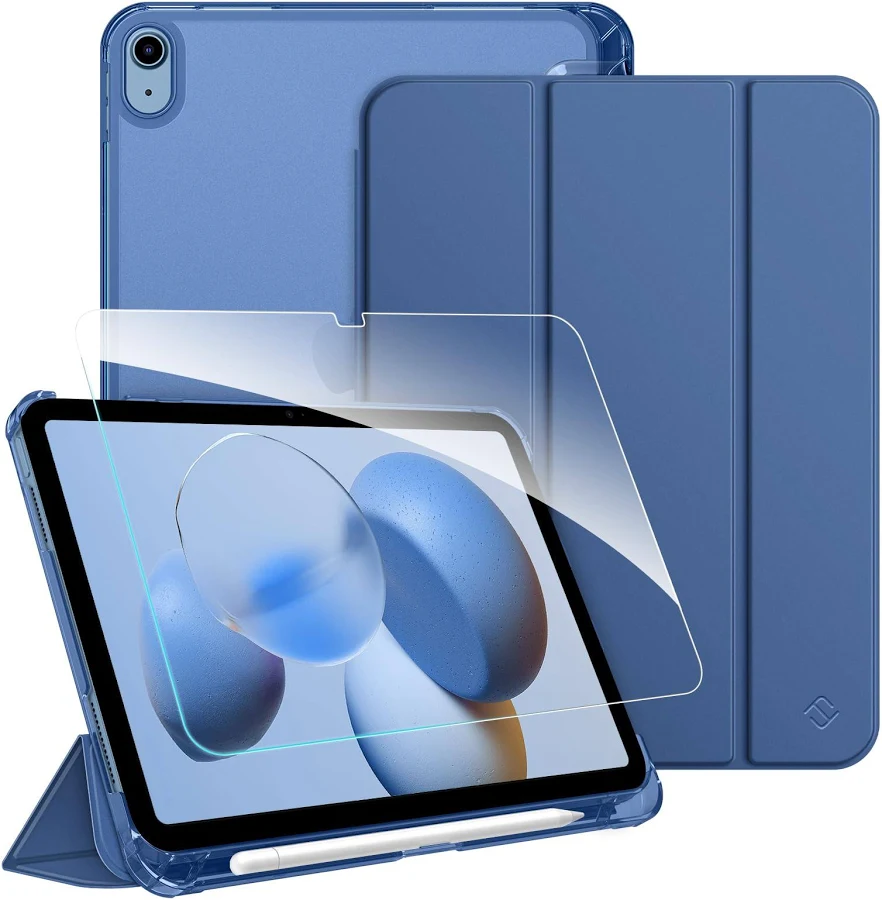
Tab Case + Protector Bundle
Fitted by Professionals
£18.99
£28.99
What’s In the Box

Refurbished iPad Air 7th Generation (2025, M3)

Charging Cable

12 month Warranty

Brand New SIM Card
Free UK Delivery

12 months warranty

Good for the Planet, Great for You

Tested Refurbished
You may also like


Why Choose iPad Air 7th Generation?
The iPad Air 7th Generation (2025) continues Apple’s shift toward making the Air range the default choice for most users. It sits comfortably between the standard iPad and the iPad Pro, offering strong performance, modern features, and long-term software support without unnecessary extras.
If you want an iPad that feels fast, capable, and current – but don’t need Pro-only features – the iPad Air 7 is designed exactly for that space. It’s powerful enough for work and creative tasks, yet simple and reliable for everyday use.
For buyers upgrading from older iPads, this model feels like a meaningful step forward rather than a small refresh.
Design & Build Quality
The iPad Air 7 keeps the clean, flat-edge aluminium design that Apple introduced in earlier generations. It feels solid without being heavy and remains easy to carry around for daily use.
Apple continues to offer two screen size options, giving you flexibility depending on how you use your iPad. The smaller size is ideal for portability and handheld use, while the larger option suits multitasking, document work, and creative projects.
Touch ID remains built into the top button. It’s quick, accurate, and practical, especially for users who prefer fingerprint security over facial recognition. USB-C is once again used for charging and accessories, making it easier to connect keyboards, hubs, and external displays.
Display & Everyday Viewing
The Liquid Retina display on the iPad Air 7 is sharp, well-balanced, and comfortable for long sessions. Text is clear, colours look natural, and brightness levels are suitable for most indoor and outdoor environments.
For everyday tasks like browsing, streaming, note-taking, and reading, the display performs reliably without drawing attention to itself – which is exactly what most users want. While it doesn’t include ProMotion, scrolling and animations remain smooth in normal use.
The larger screen option continues to be particularly useful for split-screen apps, Stage Manager, and productivity workflows, making the iPad Air 7 more versatile than earlier Air models.
Performance & Real-World Speed
Performance is one of the strongest reasons to choose the iPad Air 7th Generation (2025). Apple has focused on keeping the Air lineup fast enough for demanding users while maintaining efficiency for everyday tasks.
In real-world use, this means:
- Apps open quickly
- Multitasking feels stable and responsive
- Creative and productivity apps run smoothly
- The device remains fast even under heavier workloads
Whether you’re editing photos, working with documents, using design apps, or managing multiple apps at once, the iPad Air 7 handles it confidently. For most users, this level of performance removes the need to consider an iPad Pro.
Just as importantly, this power ensures the iPad Air 7 will continue to feel usable for years, even as apps become more demanding.
Storage & Practical Capacity
The iPad Air 7 is available in multiple storage configurations, allowing you to choose based on how you actually use your device.
If most of your activity involves streaming, cloud storage, and web-based apps, lower storage options can be perfectly adequate. If you download large apps, store photos or videos locally, or work offline, choosing higher storage will make daily use more comfortable over time.
Because storage cannot be expanded later, selecting the right capacity from the start is an important decision for long-term satisfaction.
Battery Life & Charging
Battery life remains consistent and reliable. The iPad Air 7 comfortably lasts a full day for most users, covering tasks like browsing, video playback, note-taking, video calls, and productivity work.
Efficiency improvements help balance performance and battery usage, so you don’t feel like power comes at the expense of endurance. USB-C charging allows for flexible charging options, including shared chargers and power banks.
For students and professionals who rely on their iPad throughout the day, battery performance is dependable rather than unpredictable.
Cameras & Video Calls
The camera system on the iPad Air 7 is designed with practicality in mind. The rear camera works well for scanning documents, taking reference photos, and occasional video recording.
The front camera is more important for most users, especially those attending online meetings, classes, or FaceTime calls. Video quality is clear, and software features help keep you centred on screen during calls.
For remote work, study, or staying in touch, the camera setup does its job without unnecessary complexity.
Who the iPad Air 7 Is Best For
The iPad Air 7th Generation (2025) is well suited to:
- Students who need a fast, reliable device for notes, research, and assignments
- Professionals looking for a portable productivity tool
- Creatives who want strong performance without moving to a Pro model
- Everyday users who want a modern iPad that won’t feel outdated quickly
It may be more powerful than casual users strictly need, but that extra headroom helps extend the usable lifespan of the device.
iPad Air 7 vs Earlier iPad Air Models
Compared to earlier Air generations, the iPad Air 7 offers improved performance, better multitasking support, and longer future software compatibility. The availability of two screen sizes also makes it more adaptable to different usage styles.
If you’re upgrading from an older iPad Air or standard iPad, the difference in speed and responsiveness is noticeable. For users deciding between refurbished older models and a newer Air, the iPad Air 7 offers the longest runway for updates and app support.
Why iPad Air 7 is a great choice
The iPad Air 7th Generation (2025) continues to refine what makes the Air range so appealing. It delivers strong performance, flexible screen options, and dependable battery life in a clean, lightweight design.
For users who want a capable, modern iPad without paying for features they won’t use, the iPad Air 7 makes a lot of sense. It’s a balanced device that adapts easily to work, study, creativity, and everyday use – and one that should remain relevant for years to come.
Technical Specifications
Display Type :
Liquid Retina IPS LCD
Screen Size Options :
11-inch and 13-inch
Resolution (11-inch) :
2360 × 1640 pixels
Resolution (13-inch) :
2732 × 2048 pixels
Brightness :
Up to 500 nits (11-inch), 600 nits (13-inch)
Refresh Rate :
60Hz
True Tone Technology :
Yes
Processor :
Apple silicon (Air-series generation)
CPU Configuration :
8-core CPU
Neural Engine :
16-core
RAM :
8GB
Storage Options :
128GB, 256GB, 512GB, 1TB
Rear Camera :
12MP Wide
Front Camera :
12MP Ultra Wide (landscape placement)
Video Recording :
Up to 4K at 60fps
Battery Life :
Up to 10 hours (Wi-Fi usage)
Charging Port :
USB-C
Wi-Fi Standard :
Wi-Fi 6E
Bluetooth Version :
Bluetooth 5.3
Cellular Connectivity :
5G (Wi-Fi + Cellular models)
SIM Type :
eSIM
Biometric Security :
Touch ID (top button)
Year Launched:
2025
Chip:
M3
Refurbished iPad Air 7 - FAQs
Yes. The iPad Air 7 is designed for users who want modern performance, long software support, and flexible screen sizes without paying for iPad Pro-only features. It offers enough power for work, study, and creative use while remaining lightweight and practical.
The iPad Air 7 offers noticeably better performance, improved multitasking, and longer future software support compared to earlier Air generations. For users upgrading from an older iPad Air or standard iPad, the difference in speed and responsiveness is clear in everyday use.
Very much so. It’s well suited for note-taking, online learning, research, and coursework. With Apple Pencil and keyboard support, it can easily replace a laptop for many students while remaining portable and easy to carry.
Yes. The iPad Air 7 handles document editing, spreadsheets, presentations, video calls, and multitasking smoothly. When paired with a keyboard and trackpad, it works well for emails, admin tasks, and remote working.
Battery life is reliable and consistent. Most users can expect a full day of mixed use, including browsing, streaming, note-taking, and video calls. Actual battery life will vary depending on brightness and app usage.
Yes. Wi-Fi + Cellular models support UK networks via eSIM and are compatible with major UK carriers. 5G support allows faster mobile data speeds where coverage is available.
Yes. It performs well for drawing, photo editing, light video editing, and design apps. While it lacks ProMotion, performance is more than sufficient for most creative workflows outside of high-end professional production.